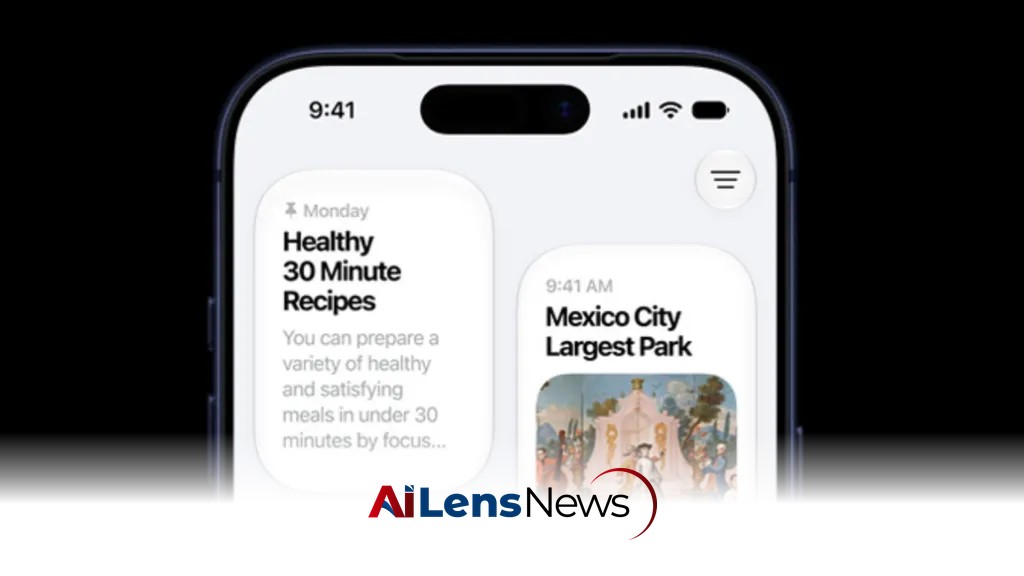


Apple's iOS 27 public beta is now available, offering users a revamped Siri, enhanced photo editing, nutritional insights, and more. Discover the top features to try today.
Washington DC, United States Jul 18, 2026 ALN: In June, Apple previewed its next major iOS update, iOS 27, which will become widely available for supported iPhones in September. As with all major iOS updates, installing the new operating system feels like getting an entirely new smartphone without having to buy one. With iOS 27, your existing iPhone will have more features, refinements, and tools that enhance user experience and functionality.
And, good news, you don’t need to wait until September to get iOS 27 on your iPhone. Anyone can download the iOS 27 public beta, which Apple released this week. If you want to put iOS 27 on your iPhone today, here are some of the best new features to try.
Apple’s personal assistant, Siri, has long had a couple of major problems: It has performed pretty poorly with even basic requests, and there has been no dedicated Siri app in which to interact with the assistant. This has often led to user frustration, especially as competitors like Google Assistant and Amazon Alexa have advanced significantly in their capabilities.
iOS 27 changes all that with a revamped Siri AI and app. It’s far and away the most significant new feature of iOS 27. Now, Siri is powered by Apple Foundation Models based on Google’s Gemini models, which means that it can answer your requests much more capably and accurately than before. This transition to a more sophisticated AI model could potentially revolutionize how users interact with their devices, making Siri a more integral part of daily tasks.
Siri AI is now also available in a new dedicated app. If you’re familiar with other AI chatbot apps, like ChatGPT or Google Gemini, you’ll know instantly how to use the new Siri app, and you’ll be able to return to it and view or continue your previous conversations with Siri for the first time ever. This feature aligns with the growing trend of conversational AI, allowing users to engage in more natural dialogues with their devices.
We’ve all wanted to remove stray objects that clutter our otherwise perfect photos, and with the advent of AI photo editing tools, this has become a snap—in apps other than the iPhone’s dedicated Photos app. Before iOS 27, it would have been charitable to say that the Photos app’s Clean Up tool was subpar compared to options in other image-editing apps. Users often turned to third-party solutions for their photo editing needs, which could be inconvenient.
But in iOS 27, the Clean Up tool has been dramatically improved, allowing for tidier object removals that leave your images looking as if they were composed nearly perfectly when you snapped them. This improvement not only enhances the quality of photos but also encourages users to rely more on the native Photos app for their editing needs, potentially reducing the dependency on external applications.
Another cool AI improvement in iOS 27 is an upgrade to the software’s Vision Intelligence tool, which allows AI to analyze what it sees in your photographs or through your camera lens. This feature reflects the increasing integration of health and wellness technology in everyday devices, catering to a growing consumer interest in nutrition and healthy living.
Now, your iPhone can look at a plate of food and analyze nutritional insights about it. While the feature cannot tell you how many calories are in that bowl of spaghetti and meatballs you’re chowing down on, it can tell you whether its nutritional value is high or low, reveal more information about the dish’s ingredients, and let you know whether it is highly processed. This could be particularly useful for users looking to make healthier dietary choices, providing them with immediate feedback on their food selections.
In iOS 27, the Safari web browser is getting many enhancements, but one of the coolest is a relatively small feature that will notify you when a specific web page is updated. This is particularly significant in an era where information is constantly changing and users want to stay informed without having to manually check their favorite sites.
You can tell Safari to notify you when there is a change to the website. This could mean your favorite blog adding a new post, or an e-commerce site’s page revealing a price change for a product you were eyeing. Such functionality could streamline the browsing experience and enhance user engagement with web content, making it easier to keep track of important updates.
While the above features are excellent examples of how iOS 27 is being built around AI capabilities, there is one non-AI feature that many iPhone users will probably adore in iOS 27: the ability to further customize the look of Liquid Glass. This feature speaks to the personal customization trend that has become increasingly popular among smartphone users.
Now, the iPhone will include a slider that lets users control the transparency of Liquid Glass better than ever. Move the slider to the left to make Liquid Glass elements more transparent or to the right to make them less transparent and more frosted—or anywhere in between. This level of customization allows users to personalize their devices to reflect their individual tastes and preferences, enhancing their overall experience.
To get the iOS 27 public beta, you’ll need to for the Apple Beta Software Program, which grants you access. You can’t just run Software Update on your iPhone. This program allows users to participate in the development process by providing feedback on new features and helping Apple identify bugs.
Once you’ve signed up, you can download the beta to your iPhone by going to the Settings app, tapping General, tapping Software Update, tapping Beta Updates, and then selecting the iOS 27 Public Beta option. This straightforward process facilitates user engagement in the beta testing phase, allowing Apple to gather valuable data on the performance of new features.
But a big word of warning: Betas can be buggy, and those bugs can sometimes lead to data loss. That’s why, before you install any iOS 27 beta, you should make sure you have backups of all your data on your iPhone, should the worst happen. This precaution is essential for anyone considering beta testing, as it mitigates the risks associated with using unfinished software.
If the prospect of data loss makes you squeamish, wait to install the final version of iOS 27 when Apple releases it in September. This approach is advisable for users who prioritize stability and reliability over exploratory features, ensuring that their devices remain functional and secure.
In conclusion, iOS 27 is shaping up to be a significant update that not only enhances existing features but also introduces innovative tools that leverage artificial intelligence. With improvements to Siri, photo editing, nutritional insights, and web browsing, iOS 27 promises to enrich the user experience on iPhones. While the public beta offers an early glimpse into these features, users should weigh the benefits against the potential risks of using beta software.
To learn more about the latest developments in Software & Platforms, stay updated with our exclusive reports and analyses on AiLensNews.